|
|
何为稀有资源?个人认为稀有资源就是你不花钱的话搜遍各大搜索引擎也无法找到的东西。本人在外文论坛找到的一个资源,现在放出来
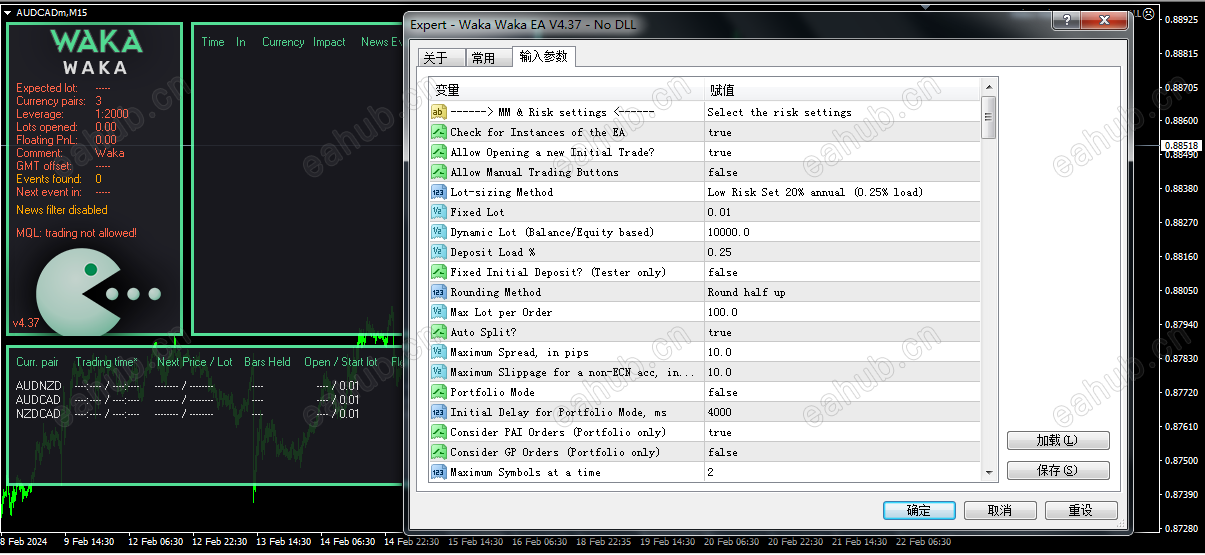
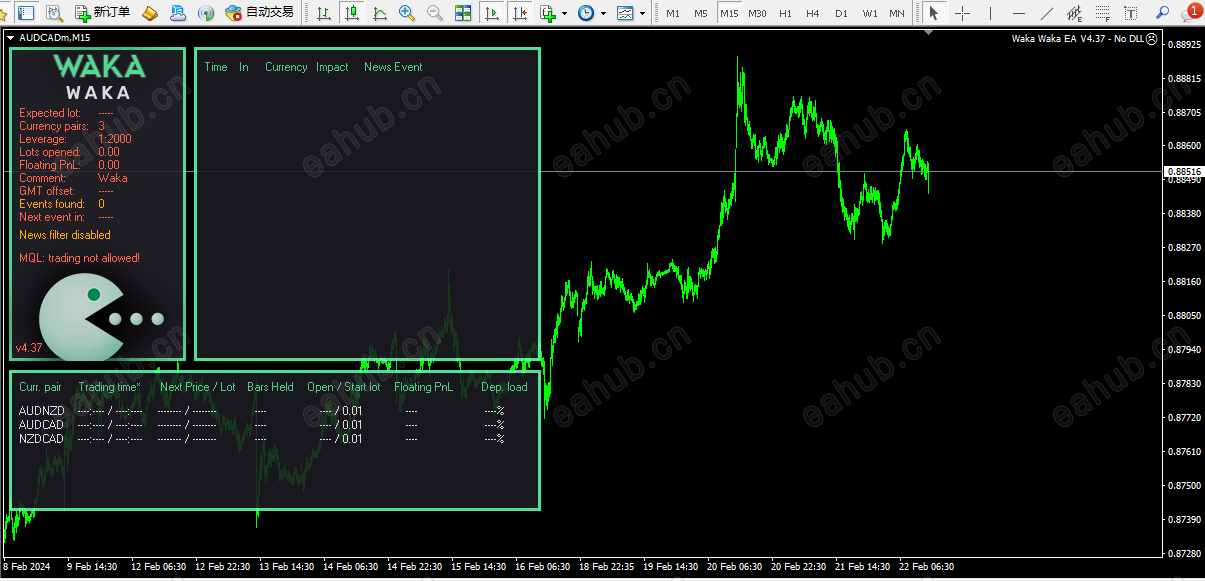
本人MT4版本是1403,尝试着加载了一下没问题,因为是真实账户,没有选择运行EA,下面是英文注释,大家可以自行翻译
Waka Waka is the advanced grid system which already works on real accounts for years. Instead of fitting the system to reflect historical data (like most people do) it was designed to exploit existing market inefficiencies. Therefore it is not a simple "hit and miss" system which only survives by using grid. Instead it uses real market mechanics to its advantage to make profit
Supported currency pairs: AUDCAD, AUDNZD, NZDCAD
Recommended timeframe: M15
Features:
One Chart Setup: you only need one chart to trade all symbols
Multiple currency pairs support
Solid backtest and live performance
No need to adjust GMT
Very easy to use: just read 3 lines of instructions below
Much cheaper than available high-quality alternatives
How to install
The EA must be attached to ONLY one M15 chart, AUDCAD is recommended
If your broker uses a suffix (e.g. AUDCAD.a) you should update names in the Symbol parameter
Use recommended pairs only. You don't need .set files, all settings are stored internally in the EA
You need to give the EA access to the news list website and time server for news filter and time detection functionality to work correctly. Here is the link for the guide on how to do that (from 1:00 to 2:05)
Requirements
The EA is NOT sensitive to spread and slippage. But I advise using a good ECN broker
The EA should run on a VPS continuously
With only 1:30 leverage I advise not to use higher than low risk settings on a less than $6000 account, otherwise you might have problems with free margin. With 1:100 leverage it should be fine with up to significant risk setting on a $1000 account
MM & Risk settings
Allow Opening a new Grid - on/off opening of new grids. It does not affect the already open grids
Lot-sizing Method - select the lot sizing method according to the risk you want to take: Fixed Lots will use fixed lot size from the "Fixed lot" parameter, Dynamic Lots will use 'Dynamic Lot' parameter, Deposit load will calculate lots based on deposit load%, and 4 predefined presets will calculate risk automatically for you
Fixed Lot - fixed trading lot for the initial trade.
Dynamic Lot (Balance/Equity based) - balance/equity to be used per 0.01 lot
Deposit Load % - % of the deposit that will be totally used to open the initial trade
Maximum Lot - max allowed trading lot
Maximum Spread, in pips - maximal allowed spread
Maximum Slippage for a non-ECN acc, in pips - max allowed slippage
Maximum Symbols at a time - max allowed number of symbols that can be opened at the same time
Allow Hedging - allow opening multi-directional trades on the same symbol
Allow Trading on Holidays - on/off Christmas/New Year trading filter
Allow to Buy/Sell - on/off Buy/Sell trades
Maximum Drawdown Percent - if current floating drawdown exceeds the specified % the EA will close open positions
Strategy
Symbols - symbols separated by comma (custom if empty)
Bollinger Bands Period - period of BB used to calculate the upper/lower levels
RSI Period - period of RSI used to filtering out trades with small potential.
Maximum RSI Value - value for the RSI filter
TakeProfit for Initial Trade, in pips - take profit for the initial trade (if no grid trades opened)
TakeProfit for Grid, in pips (weighted if zero) - take-profit for the grid. If zero, then TP is weighted, i.e. it is equal to TP of the initial order in money (not in pips!)
StopLoss for Grid, in pips (1000 pips if zero) - stop-loss for the initial/grid trades
Hide StopLoss - on/off stop-loss hiding
Grid settings
Trade Distance - min. step in pips between grid(averaging) trades
Smart Distance - auto- adjusts the trade distance depending on market volatility
2nd Trade Multiplier - multiplier for the 2nd trade
3rd-5th Trade Multiplier - multiplier for the 3rd-5th trades
6th- Trade Multiplier - multiplier for the 6th-.... trades
Maximum Trades - max number of grid(averaging) trades
Others
Trade Comment - comment for orders
UID (0...9) - unique EA instance number. Usually no need to change it
ShowPanel - on/off Info-panel
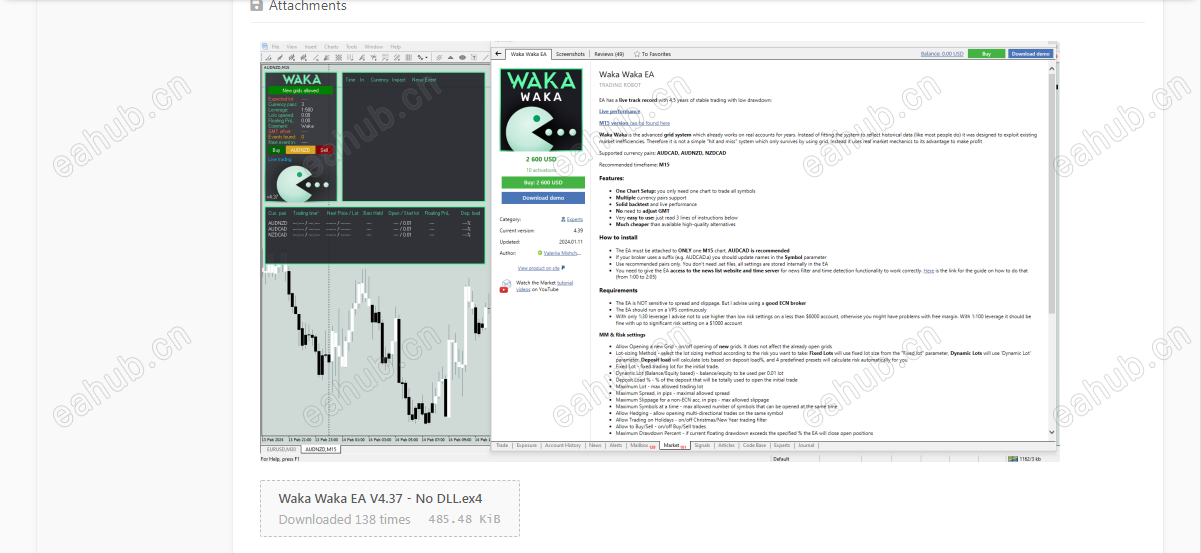
再附上出处截图,本人并未抄袭本论坛任何人,管理员大哥大姐如有需要,本人可以提供出处精准网址
 |
|



 发表于 2026-8-14 00:54:59
