|
|
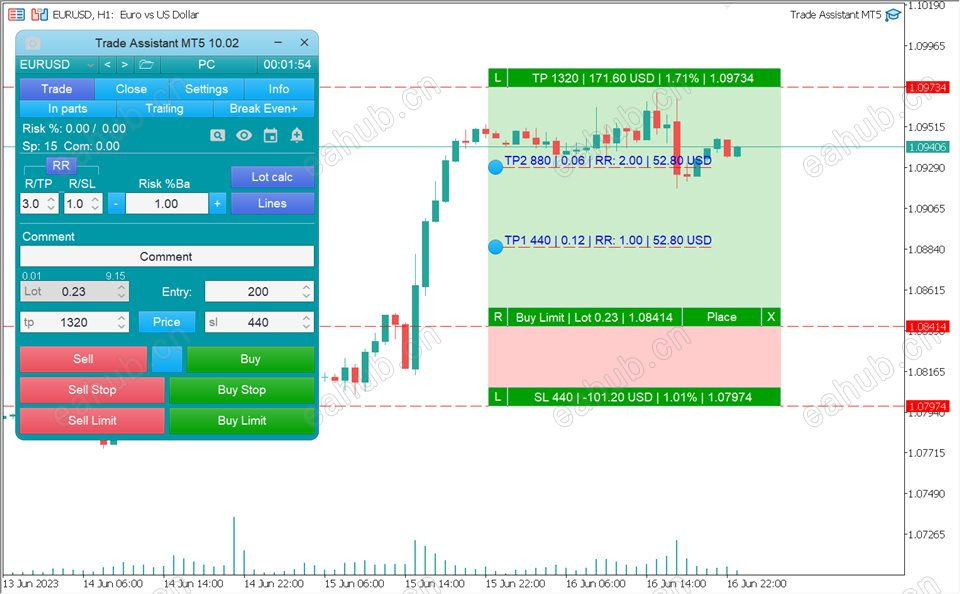
Line function -shows on the chart the Opening line, Stop Loss, Take Profit.With this function it is easy to set a new order and see its additional characteristics before opening.
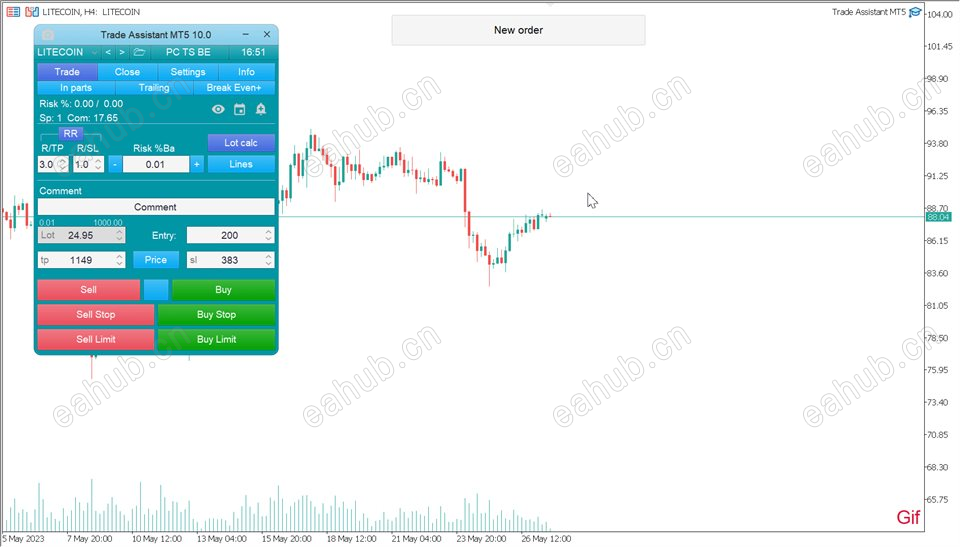
Risk management - The risk calculation function calculates the volume for a new order taking into account the set risk and the size of the Stop Loss order.It allows you to set any size of Stop Loss and at the same time to observe the set risk.Lot calc button - enables/disables risk calculation.In the Risk field set the necessary value of risk in percent from 0 to 100 or in the deposit currency.On the Settings tab select the variant of risk calculation: $ Currency, % Balance, % Equity, % Free Margin, % Custom, % AB prev Day, % AB prev Week, % AB prev Month.
R/TP and R/SL - sets the relation of Take Profit to Stop Loss.This allows you to set the size of the profit relative to the loss.For example 1: 1 - this means the size of TP = SL,2 : 1 - this means that the TP is twice as big as the SL.RR - on/off the ratio.
Orders management
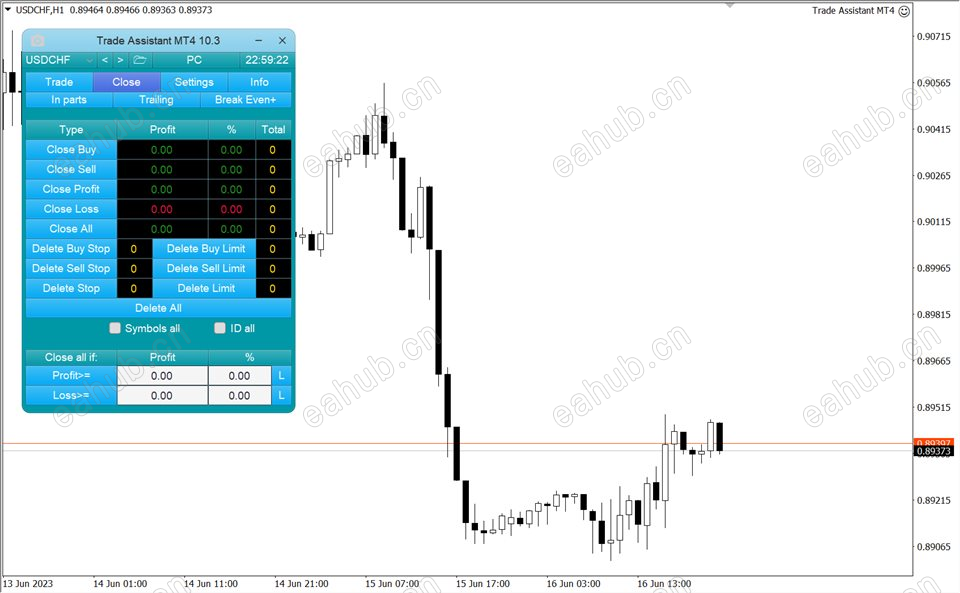
The panel supports market and pending orders.Trade time manager - opening or closing by time.Close position by parts - closes a part of the order as a percentage of the set volume.Trailing Stop - 7 options for managing Stop Loss orders (in pips, Fractals, MA, Parabolic SAR, ATR, Partial Close, High Low Bar).Breakeven - moving the Stop Loss to a level without a loss.Limit Order Trailing - moves the Limit Order following the market price at a distance.OCO Order - function of cancellation of several pending orders, if one of them is activated.Virtual pending orders.Virtual Stop Loss and Take Profit - Hide SL TP.Closing of positions by order type.Closing of positions when a specified profit is reached.
Additional functions
Symbol switch - changes the symbol of the current chart (or it is enabled separately for all charts).Hotkeys - trade functions and chart control are available.Notification when support and resistance lines are broken.Screenshot of the chart - when clicking the button on the toolbar or automatically.
 |
|



 发表于 2026-8-26 10:24:00
